Clip insertion
A long-awaited and long-in-development feature has finally come to Pinecast. Clip insertion allows you to add clips dynamically to your episodes by setting placeholders in your episodes, matching clips to placeholders with tags.
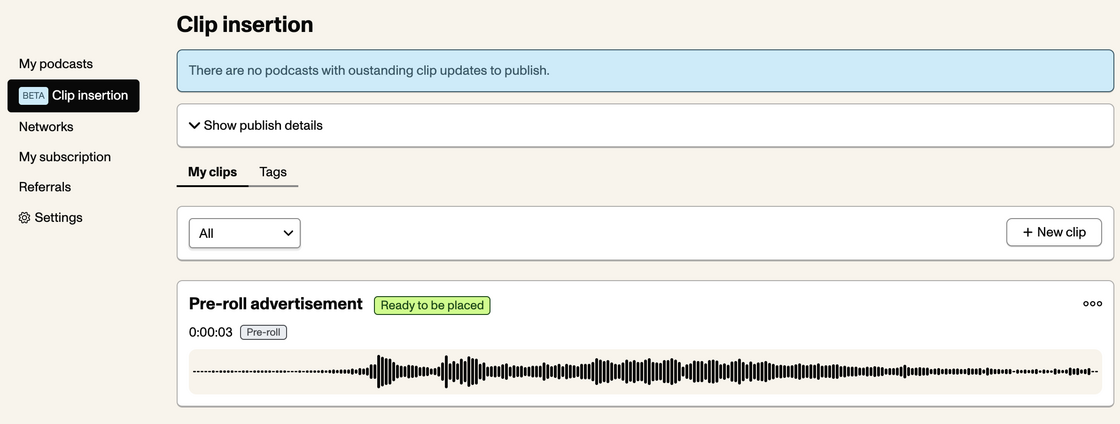
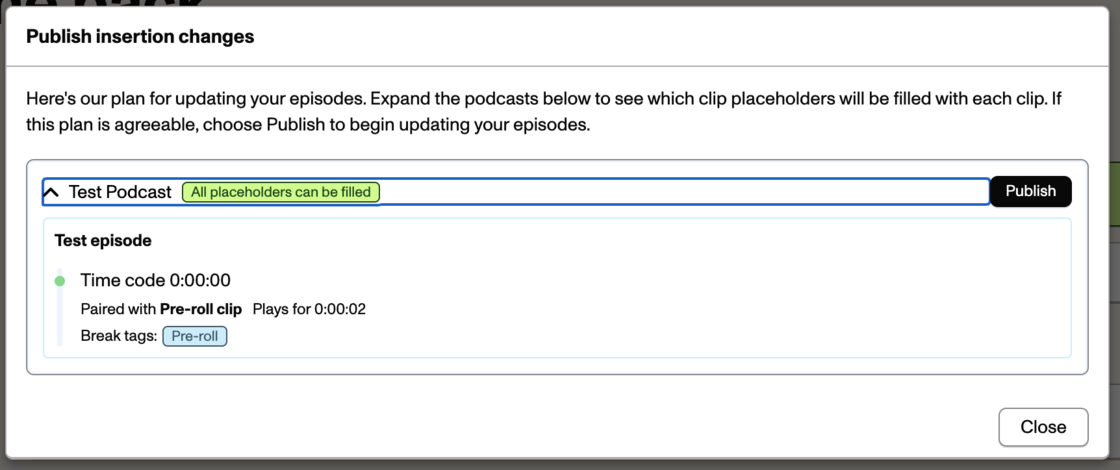
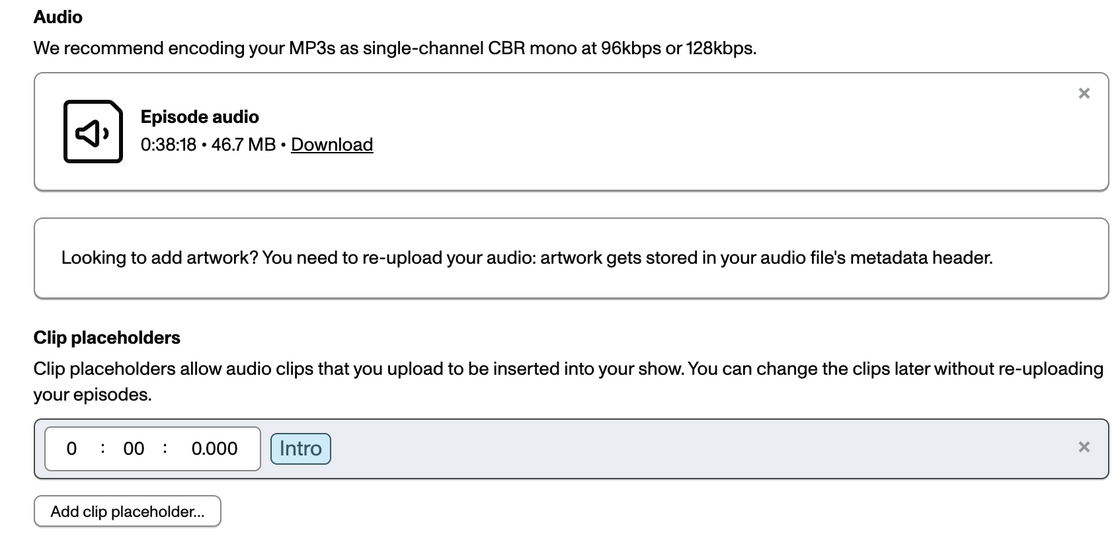
When you upload your episodes, simply add clip placeholders (found directly below the episode audio upload field) to timecodes in the episode. Clips that match the placeholders you create will automatically be added to your episode audio.
Clip insertion is available to all podcasts on our Starter plan. Additional features are available to Pro Analytics customers.
Please see our documentation for more information on how to use clip insertion with your podcast.