Improved transcript editor
We’ve shipped some big improvements to the transcript editor! The new UI is simpler to use and far cleaner.
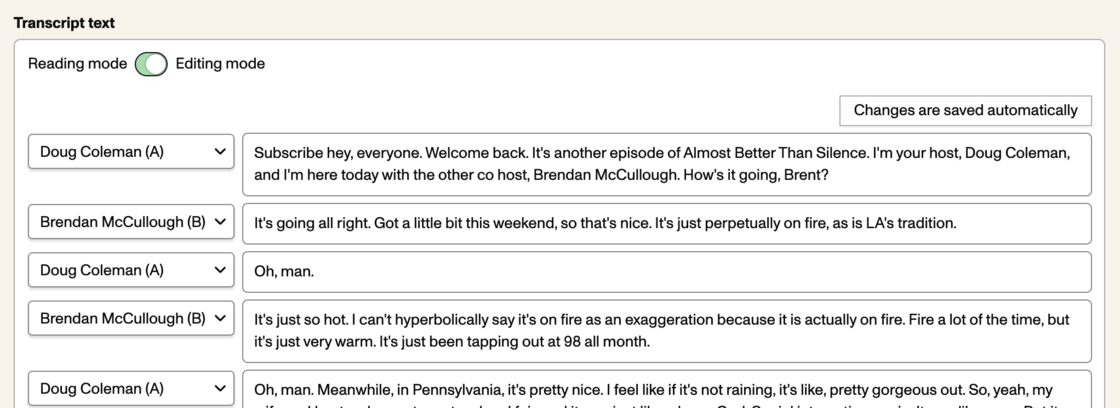
- Changes now auto-save, avoiding awkward pauses as you switch from field to field. We’ll also make sure the transcript is fully saved before you leave or close the browser tab.
- For folks who use screen readers, the change should mean that there are fewer jarring transitions as you move from utterance to utterance.
- The text fields for each line of dialog grow vertically as you type rather than getting scroll bars.
- If you add a paragraph break into the transcript, we’ll show a button to split the line into two.