Listen to private tip jar content online
We’ve made it easier for your paid subscribers to listen to your private podcast content.
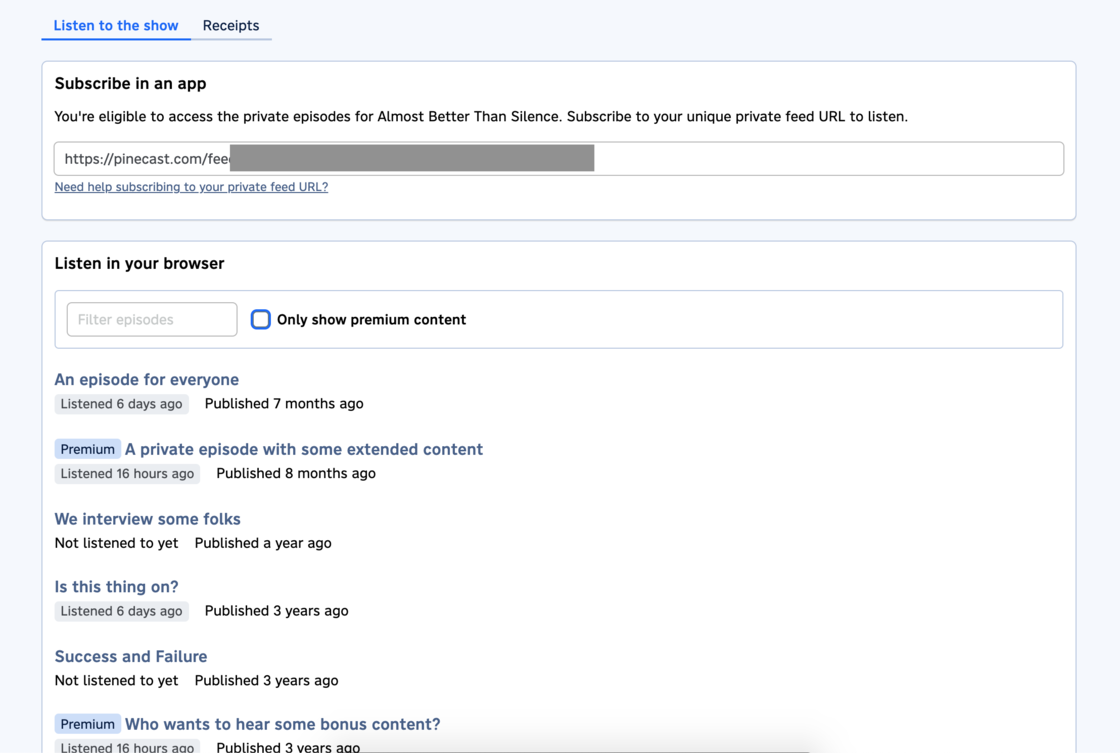
If you publish private episodes for recurring tip jar subscribers, they’ll now have the ability to listen to your show right from their browser. Here’s how they can find it:
- Visit https://tips.pinecast.com and sign in with their email
- Click on Active Subscriptions
- Click on your podcast
- Scroll down to “Listen to the show”
Previously, subscribers needed to use a podcast app to subscribe to a unique, private RSS feed. That option is still available, but your listeners can also see and hear all of your episodes (private or public) directly from this page. Clicking on an episode, they’ll see a player along with your episode’s show notes.
We’ll also keep track of which episodes your subscribers listen to and when. This makes it easy for them to keep track of what they’ve heard as they go through your backlog. When an episode is played, we’ll keep track of that and show it in the episode list.