Schedule posts for time
Under Settings > Episode Formatting in your podcast dashboard, there’s a new setting at the bottom of the page.
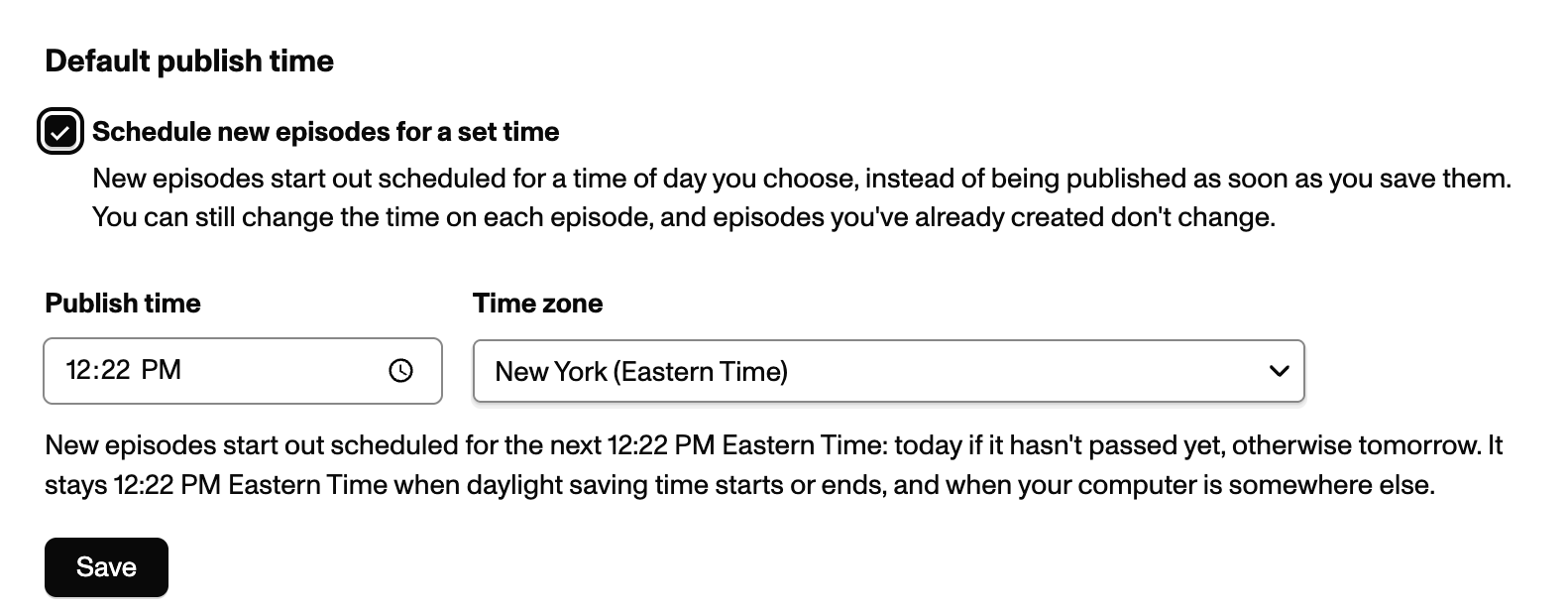
This setting changes the default publish time on the New Episode page. For instance, set it to 4:00pm New York time, and your episodes will always default to 4:00pm New York time.
Time zone aware
Section titled “Time zone aware”If your episodes are set to 4:00pm New York time and you travel to Chicago, visiting the New Episode page will show 3:00pm—the page is smart enough to know that you’re in a different time zone, and keep the publish time matching your preference.
Daylight savings aware
Section titled “Daylight savings aware”Publish times don’t change when daylight savings changes. Set your episode to publish at 4:00 New York time, and you’ll never be surprised at 3:00pm or 5:00pm when the seasons change. Your publish time will always default to 4:00pm.