Set speaker names in transcripts
If you visit an episode transcript in your dashboard, you can now provide names for the speakers.
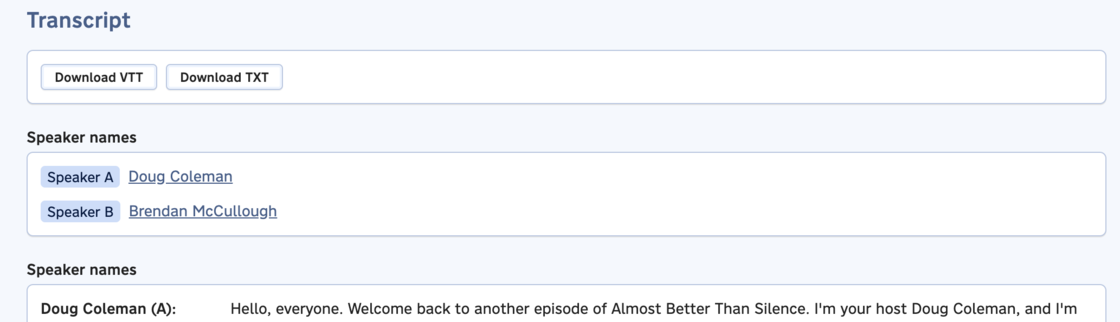
When you click the name (or placeholder for the name) of a speaker, you’ll be prompted to provide a name. We’ll automatically suggest names you’ve provided for your podcast in the past, along with other names used in transcripts from other podcasts on your account.
These names will appear on your podcast website (if configured) and in the transcript link from your feed.