Tip Jar subscriber updates
You can already send special episodes to paid subscribers through your Tip Jar. However, if you just want to send a quick update—such as why you haven’t posted an episode—there’s not been a way to do that.
Now, under the Communication > Paid Subscriber Updates tab on your podcast dashboard, you can send email updates to your subscribers.
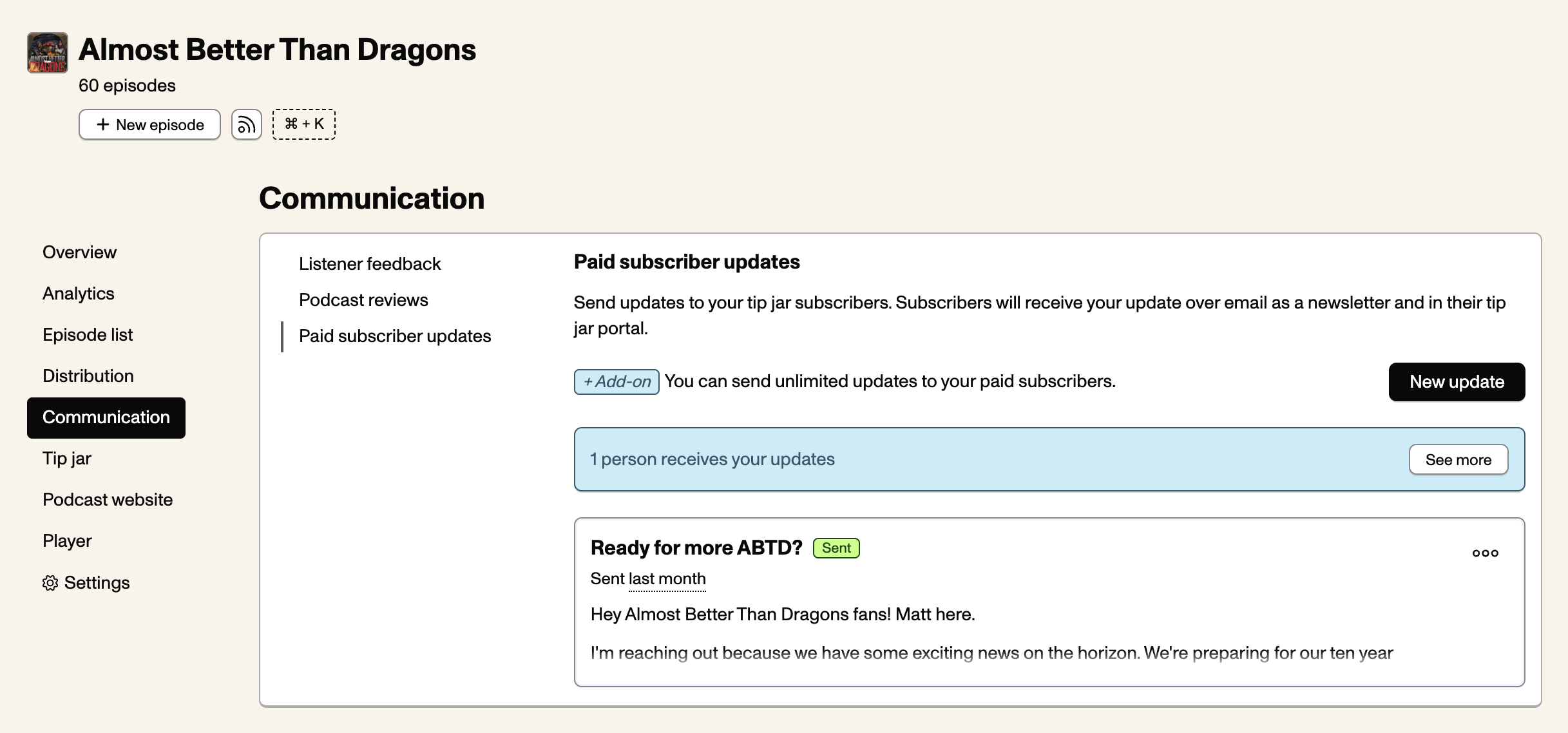
Subscribers to your Tip Jar will receive your updates at a scheduled date and time, which you can set. If you’re not ready to schedule an update, you can save it as a draft to publish later.
All Pinecast customers on the Starter plan can send five updates per month per podcast. If you have our Growth add-on, you can send unlimited updates.
When replying to an email, subscriber responses will end up in the following locations:
- If you have listener feedback enabled and your listener feedback email address is turned on, responses will be collected on the Communication > Listener Feedback tab.
- If you have email privacy enabled (on Settings > Email Privacy), responses will be forwarded to your email inbox. Your personal email is masked with the email privacy address.
Otherwise, responses are not collected.
Last but not least, listeerns can read all of your email updates from their subscriber dashboard at https://tips.pinecast.com.