Extra safety when uploading audio
When you provide an MP3 or M4A/AAC file, we now perform extra checks to ensure the file is valid.
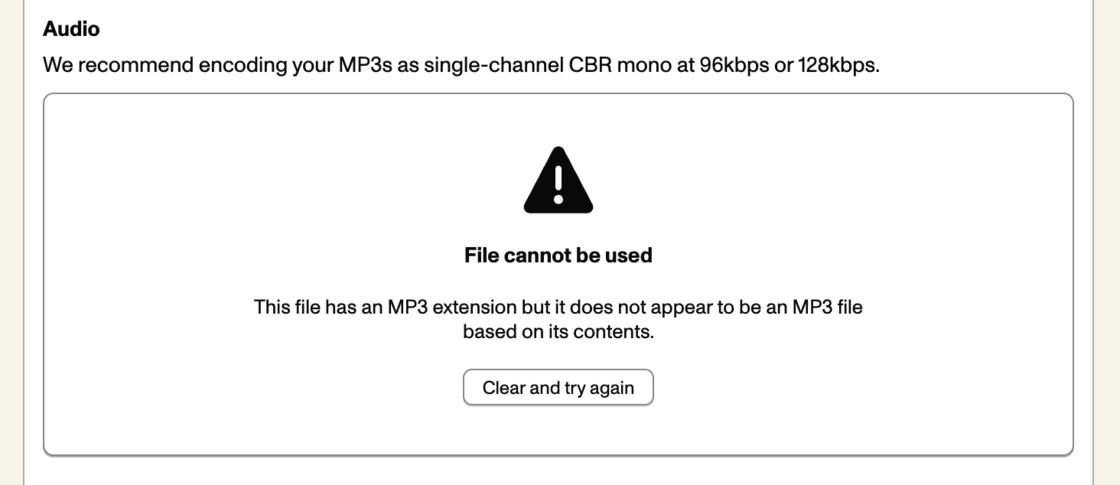
One of the most common reasons Pinecast customers run into problems with unplayable audio is a mismatch in file extensions. Files that are encoded as M4A (or AAC) which get saved with an MP3 extension (or vise versa) become silently corrupt.
When a program on your computer opens an audio file, it usually determines the codec to use based on the first few bytes of the file. In computing, these bytes are known as the “magic number”. MP3 and M4A/AAC files each start with their own unique magic numbers, and based on which one a program like Quicktime Player or Audacity sees, it’ll choose the right codec.
On the web, however, file types are determined by content types (or “MIME types”) and file extensions. If you choose to upload a file with the wrong extension, your browser will identify it based on its extension rather than based on what’s actually in the file. That identification is kept as the file’s “content type”, and can cause browsers and podcast apps to fail to decode your audio. Unlike a file extension on your computer which might be ignored, content types on the web are always trusted.
Pinecast now checks those magic numbers when you choose your audio file. If the magic number we see doesn’t match the kind of file you’re uploading, we will reject the audio file with an error.